Download the ClassMarker Essentials Guide










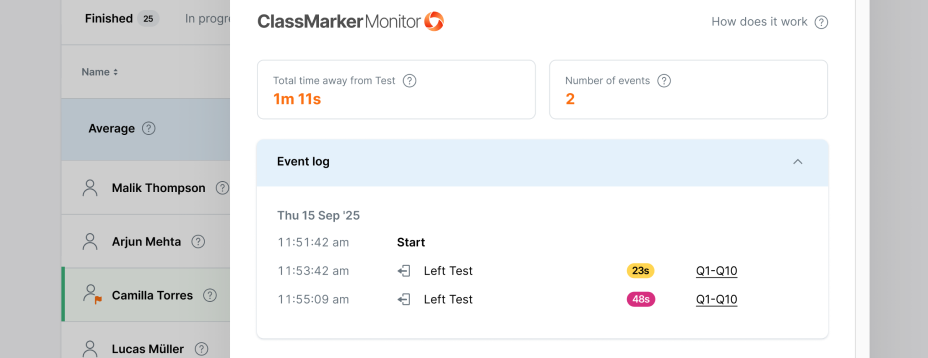
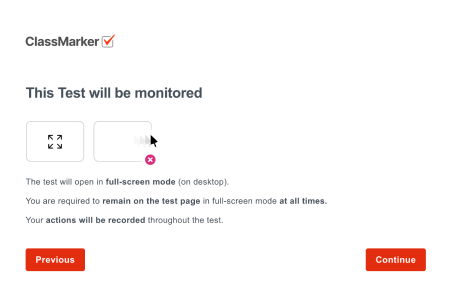
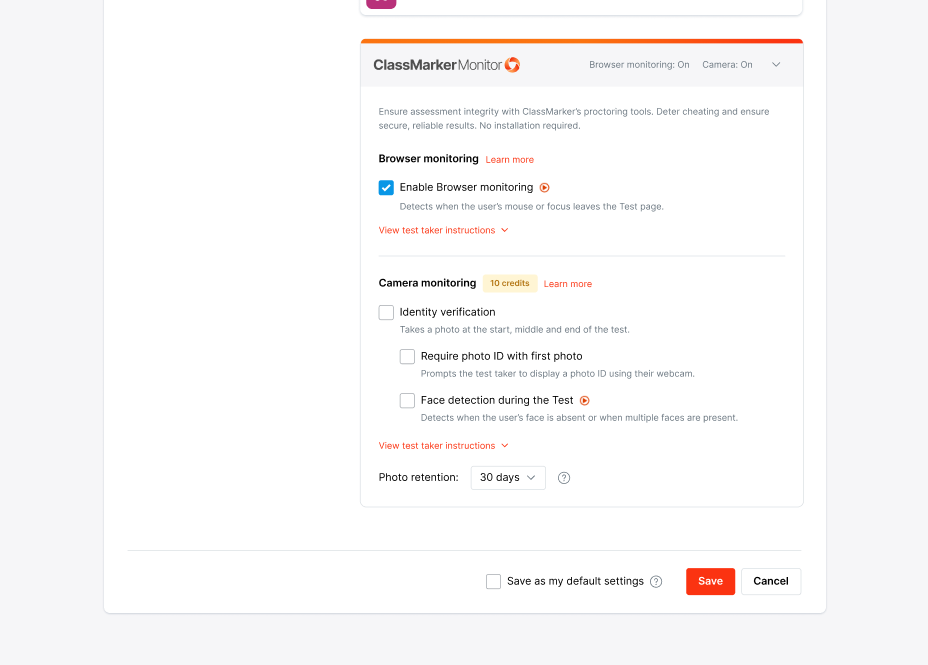
Browser monitoring is the default feature of ClassMarker Monitor, our integrated cheat prevention system. Our Proctoring software automatically detects and logs test-takers’ actions during an online test, such as tab switching or loss of focus.
You have the option to enable Camera Monitoring, which is covered on the next page.
In the test results list, an orange flag  appears next to users who triggered too many events.
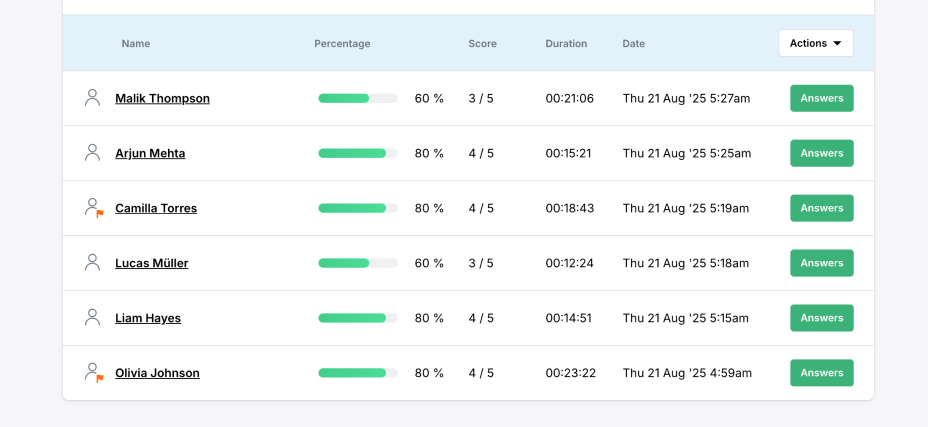
Click on the Answers button to see individual monitoring data under ClassMarker Monitor.

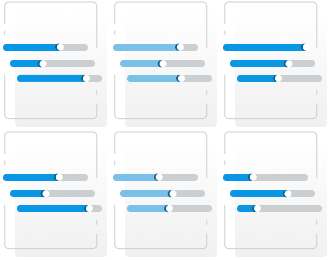
Each event's duration is shown and color-coded using the following scale:
ClassMarker strives to ensure fairness for all test takers. Our algorithm includes a built-in margin of error that allows up to 5 seconds away from the test and a maximum of two ‘left’ events. This provides some flexibility for minor mistakes early on.
Here is the scale we use:
 No flag
Within margin of error
No flag
Within margin of error Flag
Flag
No. It is ultimately up to the administrator to decide what constitutes cheating. Each administrator may have their own rules and restrictions.